




 Sign in with Google
 Turn more local searchers into customers

Promote your local shop and products across Google in a few easy steps
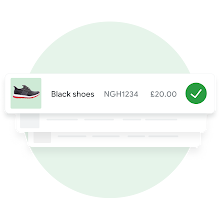
Add your business and product information to Google
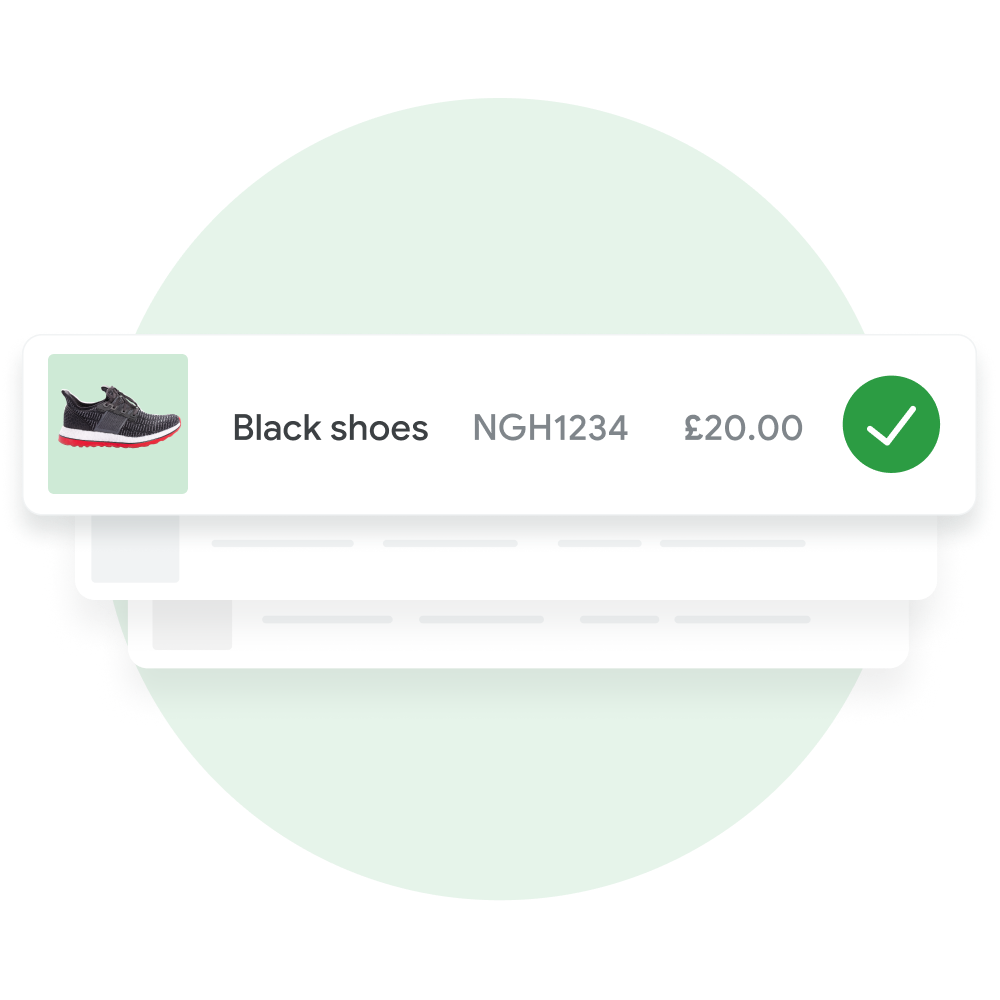
Start by creating a free Merchant Center account* and providing some basic information about your shop. Add your products to Google by uploading a file with information about your inventory, like product names, prices and photos, or by linking your e-commerce website.
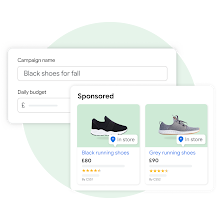
Promote your inventory with a Performance Max campaign
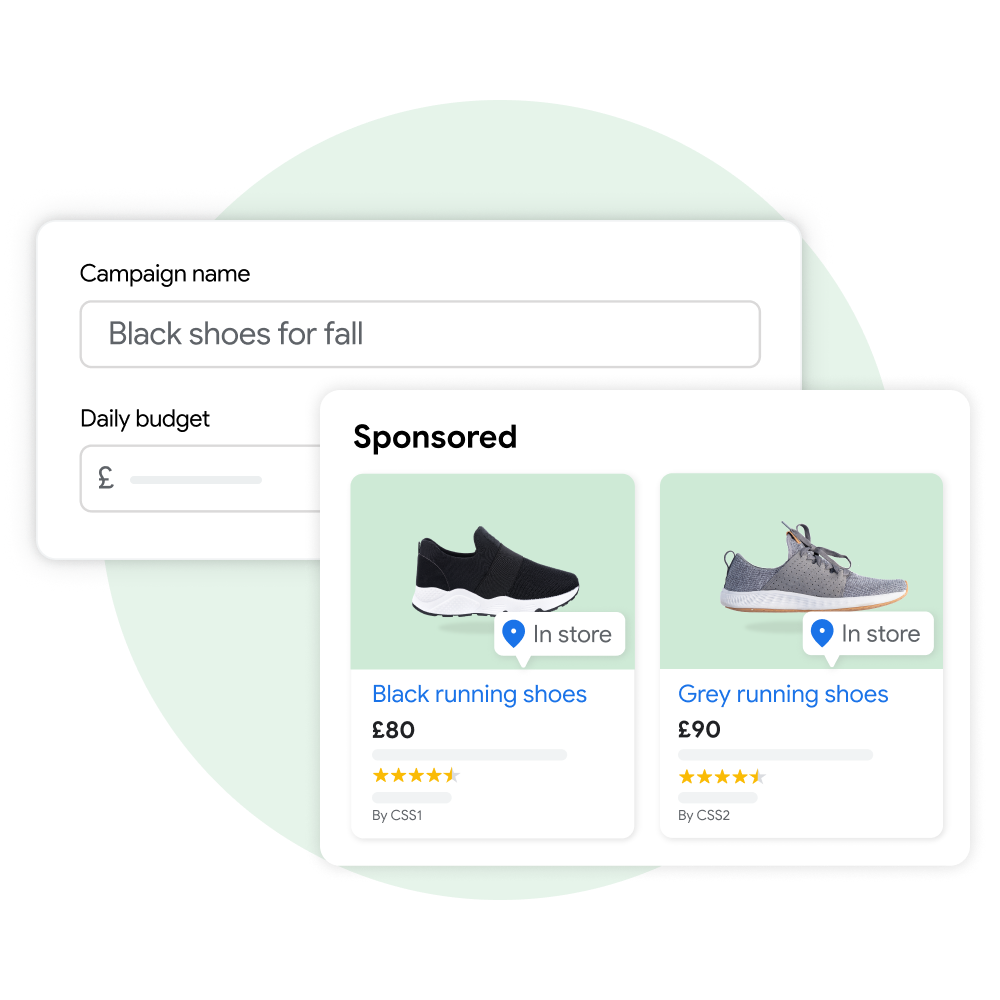
Create your campaign directly from Merchant Center. Simply link your Google Ads account** and set your budget. You’ll only pay when local shoppers engage with your ads to view your site or inventory.
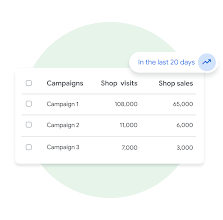
Get actionable insights to improve your campaign
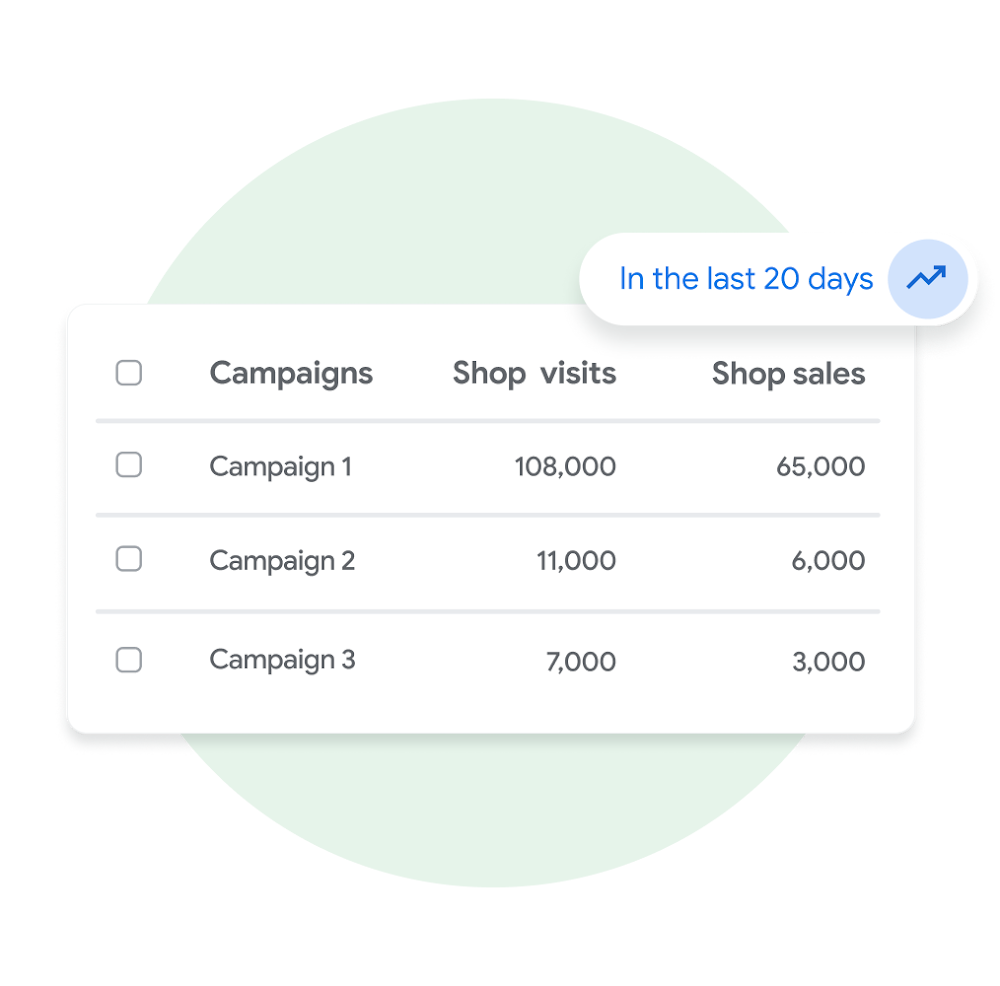
Our detailed reports and AI-powered recommendations can tell you what’s working, what isn’t and how to improve your results.
Play animation
Pause animation
-
Add your business and product information to Google
Add your business and product information to Google
Start by creating a free Merchant Center account* and providing some basic information about your shop. Add your products to Google by uploading a file with information about your inventory, like product names, prices and photos, or by linking your e-commerce website.
-
Promote your inventory with a Performance Max campaign
Promote your inventory with a Performance Max campaign
Create your campaign directly from Merchant Center. Simply link your Google Ads account** and set your budget. You’ll only pay when local shoppers engage with your ads to view your site or inventory.
-
Get actionable insights to improve your campaign
Get actionable insights to improve your campaign
Our detailed reports and AI-powered recommendations can tell you what’s working, what isn’t and how to improve your results.
Multiply your reach and drive in-store sales with Performance Max
Reach local customers at key moments

Increase your in-store sales and ROI

Gain valuable performance insights

Success stories that we love

visits

“When I think about Performance Max, I see it as a critical piece of our goal to create seamless omnichannel journeys”
Sarah Kleinman
Vice President & General Manager, Global Digital

omnichannel ROAS

“An omnichannel approach results in more omnichannel shoppers. With the combination of SSI, first-party data, and local inventory ads, we created more personalised ads and introduced offline shoppers to our online sales channels.”
Daniel Franco
Manager Media & Advertising
Boost in-store sales today with Merchant Center and Performance Max
* If you are in the European Economic Area, the United Kingdom or Switzerland, your Merchant Center account must be associated with a Comparison Shopping Service (CSS). Please find more information at Google Merchant Center Help website.
** In the European Economic Area, the United Kingdom or Switzerland, Performance Max campaigns can be used with any Comparison Shopping Service (CSS) you work with. The ads will show on general search results pages and on any other surfaces the CSS has opted in to.