





 Sign in with Google
 Key benefits
- Codeless Management: Update your website tags quickly and safely from a intuitive interface, without needing to edit your site code directly.
- Faster Deployment: Launch campaigns and adopt new measurement tools quickly, reducing your reliance on developer cycles.
- Data Accuracy: Ensure your tags fire correctly using built-in debugging and error-checking tools to deliver highly reliable conversion measurement.
- Future Proofing: Build a durable measurement foundation that seamlessly adapts to new privacy-safe features and evolving industry standards.
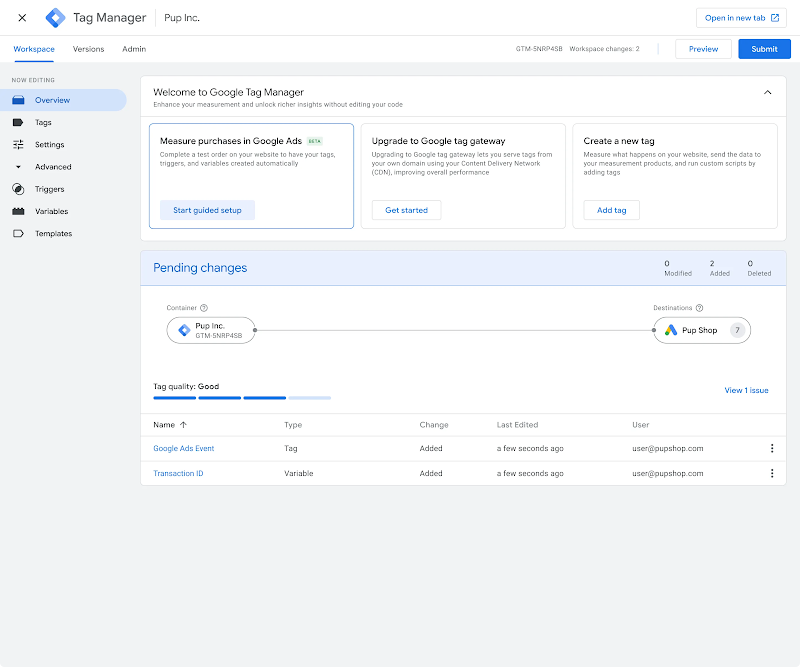
New for 2026
We’ve upgraded Google Tag Manager and the Google tag, bringing all the capabilities of Google Tag Manager to the Google tag and simplifying how website data is sent to Google.
Visual tagging: Deploy advanced measurement without manual Tag, Trigger, or Variable setups. Simply point-and-click on your websites elements, and the system handles the technical configurations in the background.
Optimized configuration for Google Tag Manager containers: Improve performance by eliminating the need to load the Google tag (gtag.js) JavaScript as an intermediary step. Centrally manage settings and access for all of your tags.
