




 Sign in with Google
Today, we’re introducing Creative Drops—a new series bringing you the latest AI creative innovations, product breakthroughs, and actionable playbooks straight from our Product teams.
In Drop #1, Asset Studio Product Manager Mindy Lin is answering your biggest questions about Gemini Omni in Asset Studio:
What actually changes with Gemini Omni in Asset Studio?
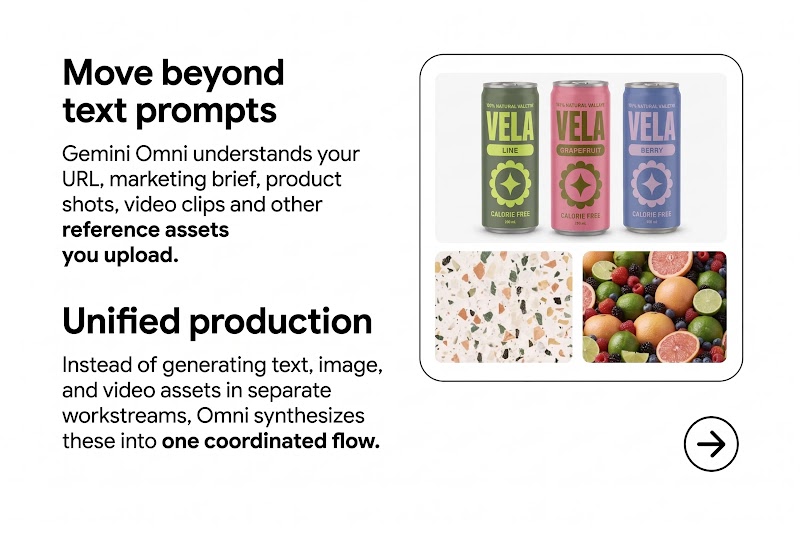
- Move beyond text prompts: Gemini Omni understands your URL, marketing brief, product shots, and video clips and other reference assets you upload.
- Unified production: Instead of generating text, image, and video assets in separate workstreams, Omni synthesizes these into one coordinated flow.
💡 Pro-Tip: Upload strong reference material for the too. Whether that’s 4-5 real product shots from different angles, realistic backdrops you want outputs to resemble, or your company’s work uniform with the logo, more reference material is always better.
What does Gemini Omni mean for my video ads?
With Gemini Omni in Google Ads Asset Studio, you can transform an image into a full video ad for multiple channel placements.
- Start with selecting your creative sources such as images from specific ads and chosen video aspect ratio.
- Next, describe your video with a text prompt that informs your creative brief; be specific about the tone, theme, product(s), and overall branding you want to see in the video ad.
- Finally, select which one of the three creative narratives you prefer, and refine the video storyboard scene-by-scene until you’re happy with the final video. Download it to use later, or upload and save this video asset to your YouTube Channel.
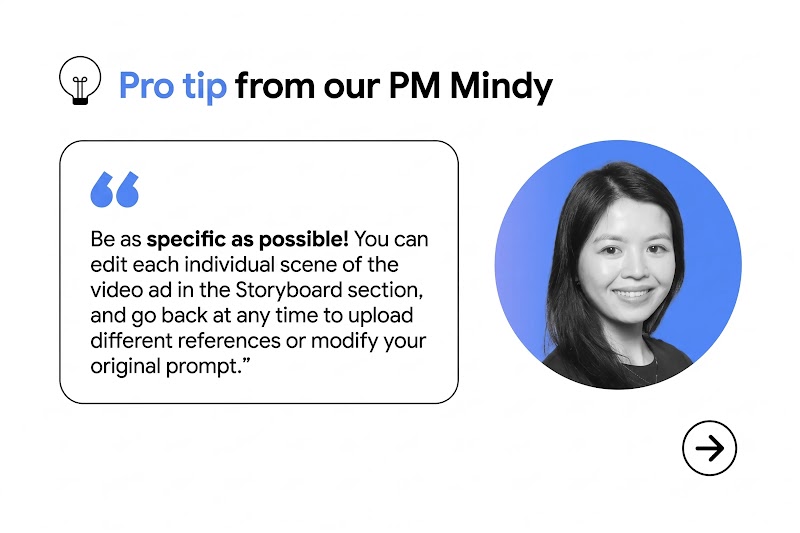
💡 Pro-Tip: Be as specific as possible! You can edit each individual scene of the video ad in the Storyboard section, and go back at any time to upload different references or modify your original prompt.
How on-brand can Gemini Omni really be?
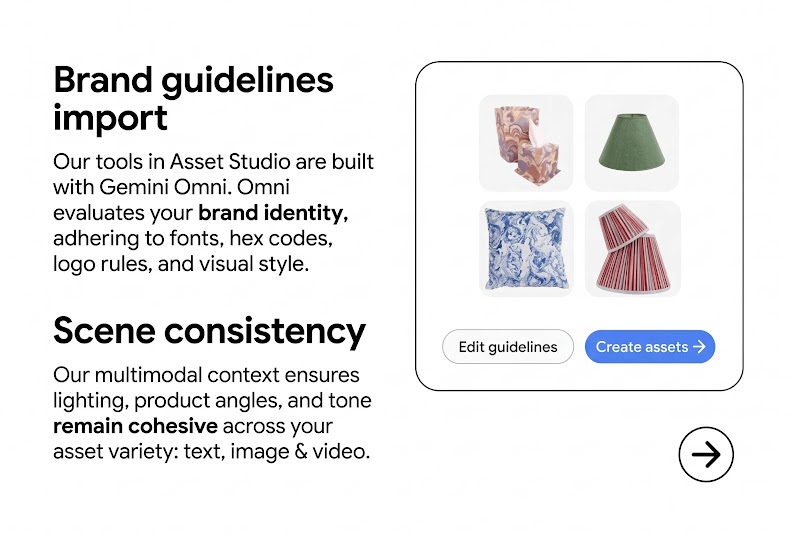
- Brand Guidelines Import: Our multimodal tools in Asset Studio are built with Gemini Omni. Omni evaluates your brand identity, adhering to fonts, hex codes, logo rules, and visual style.
- Scene Consistency: Our multimodal context ensures lighting, product angles, and tone remain cohesive across your asset variety: text, image, and video.
💡 Pro-Tip: Upload your Brand Guidelines into Asset Studio. This PDF should accurately reflect your brand’s current identity such as evergreen colors, updated logos, brands, patterns, textures, and “best-in-class” brand examples. And it doesn’t all need to be in a single PDF. You can upload as much reference materials into Asset Studio in various formats, too.
How do we scale video across formats without losing key focal points?
- Built for YouTube: Video stories are structured around YouTube’s ABCD creative framework for maximum viewer retention.
- Varied Aspect Ratios: Easily create videos in a variety of aspect ratios to serve on multiple channels: Vertical (9:16 Shorts), Horizontal (16:9), and Square (1:1).
💡 Pro-Tip: The perfect aspect ratio doesn’t exist! For maximum variety and reach, we recommend using both horizontal and vertical videos to serve across all Google and YouTube ad placements.
Multimodal capabilities powered by Gemini Omni are rolling out globally as a free feature inside Google Ads. Ready to see Gemini Omni in action? Start using Omni in Asset Studio today to power your Google and YouTube campaigns, including Demand Gen.
