


 Sign in with Google

Set your budget and goals. Let Google AI continuously optimise to get you the best ROI.
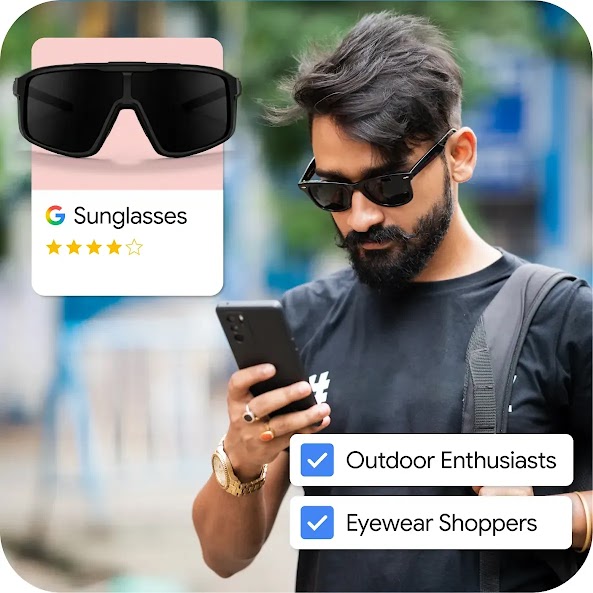
Welcome back to a smarter, simpler, Google Ads
People are still searching for your business. Restart now on your own or with help from our experts. Once you’re live, our Ask Advisor tool is by your side to provide support whenever you need it.
Still unsure? Talk to a Google Ads Expert.
Schedule your free 1-to-1 call to get guidance from one of our experts and see how we can help.

Find success on Google Ads with upgraded features
-
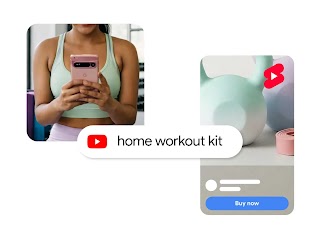
AI-powered campaigns based on your goals
Let our AI-powered campaigns (like Performance Max and Demand Gen) do the heavy lifting. Whether you’re driving sales or generating leads, they automatically place your ads where customers browse, saving you hours of manual optimisation.
-

Build high performing ads in minutes
Google AI helps you make unique, high-performing ads tailored to your brand, giving you studio-quality results without the studio price tag.
-
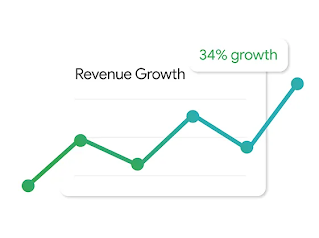
Put Google AI to work on your ROI
Set up conversion tracking to show Google AI exactly what works for your business. From there, activate automated recommendations to continually optimise your spend and hit your goals, whilst you remain in complete control.
Google Ads success stories

10x
more leads

“With Google Ads, we got 10x more leads vs traditional marketing methods.”
Raghunandan Saraf, CEO, Saraf Furniture

3.6X
ROAS

“Performance Max has become a core focus for our DTC efforts.”
Prashant Sharma, Chief Marketing Officer, TMRW

10k
Ad budget growth

“Google Display Network increased the effectiveness of our advertising.”
Vijay Jain, CEO & Director, ORRA Jewellery

20%
lift in brand awareness

“With YouTube Ads we saw 20% lift in brand awareness”
Jaideep Kanse, CMO, Asian Paints
Simple tools, big results
-
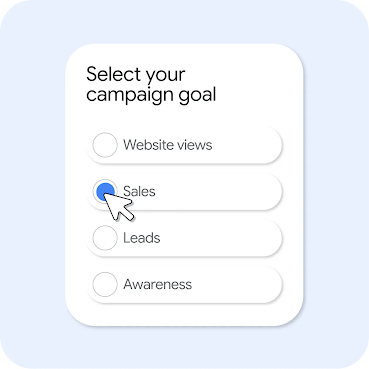
Campaign goals
-
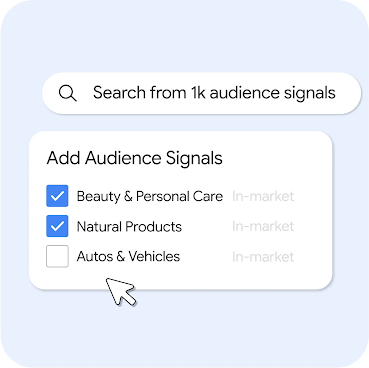
Audience signals
Reach the exact niche that matters to your business and find more customers just like them.
-
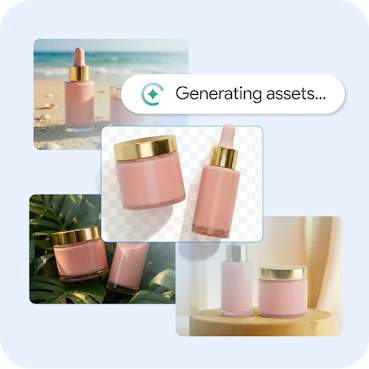
Asset generation
Use Google AI to build high-quality, unique ad assets that perform.
Partner with a Google Ads Expert to restart your account
Ready to get going again? Our team of experts are here to help. Make a plan and relaunch your campaigns with hands-on guidance.
