Skip to content

Want to create a new Google Ads account?

You're about to create a new Google Ads account. You can create multiple campaigns in the same account without creating a new account.

Want to create a new Google Ads account?

You're about to create a new Google Ads account. You can create multiple campaigns in the same account without creating a new account.

Create a plan for your advertising budget and drive business growth
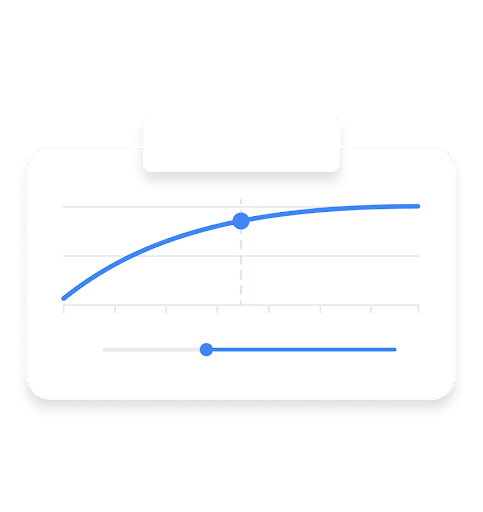
Performance Planner is a tool that helps you optimize Google Ads campaign costs quickly and easily.
Plan
Forecast
Grow

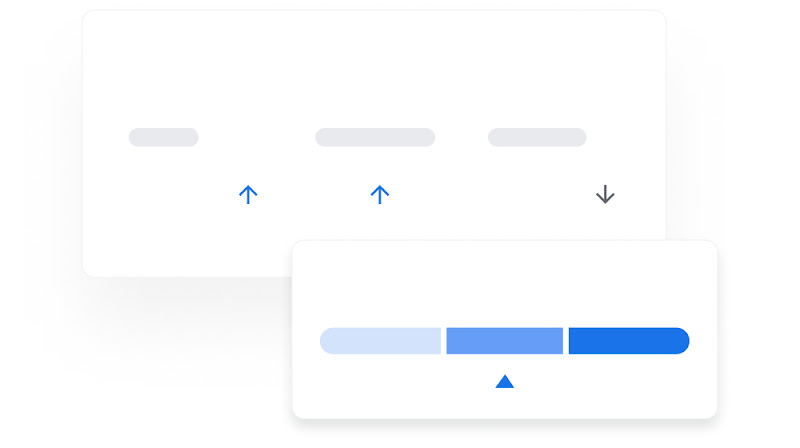
Plan

Plan your Ads budget more effectively
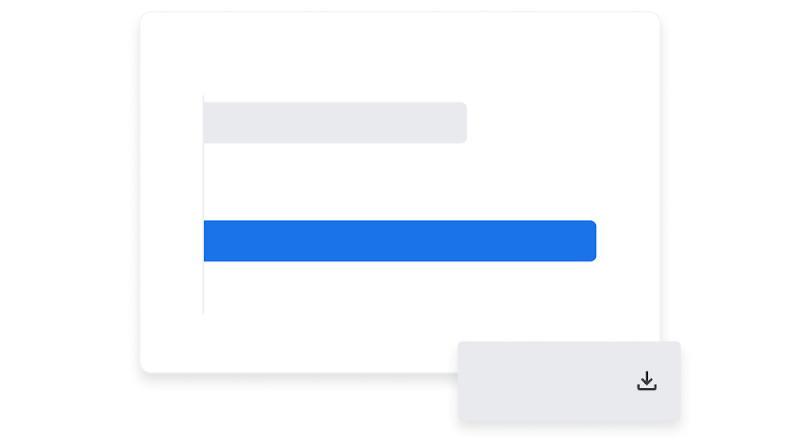
Create a plan using the Google Performance Planner to help determine the right Ads budget for your campaigns so you can achieve your business goals.

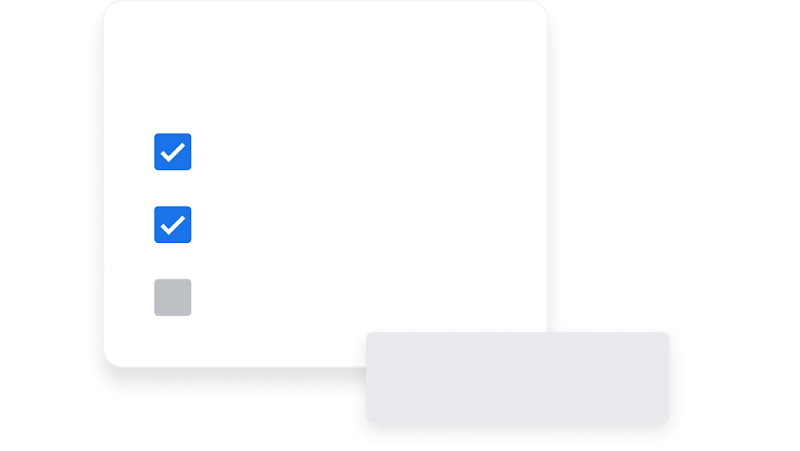
Forecast

Anticipate campaign performance

See how adjusting your Google Ads budget or campaign settings may impact performance metrics like clicks, conversions, and cost-per-action.

Grow

Discover new opportunities

Review relevant suggestions to help you meet your business goals, such as identifying ways to optimize your ads budget or adding new keywords to capture new Search opportunities.

Partner with a Google Ads expert to set up your first campaign

  • We’ll get you up to speed on the latest platform updates
  • We’ll design a media plan that makes the most of your ads budget
  • We’ll help you launch your first campaign with hands-on guidance

A Google Ads customer chats with a helpful Google Ads Expert.

Get started with Performance Planner

We know that using a new tool can be complicated. Click on the text below to learn how you can get started with Google Performance Planner.
  • Step 1

    Create a plan

    Select the campaigns you’d like to include in your plan. It’s recommended that you choose campaigns that drive towards the same goal. Performance Planner works best by shifting budgets between multiple campaigns.

  • Step 2

    View forecast

    The forecast graph shows how changes to your overall spend could affect the performance of all of the campaigns that you selected for your plan.

  • Step 3

    Manage your budget

    You can plan your monthly and quarterly budgets to make sure you’re getting the most out of your campaigns.

Tools and campaigns that can help you meet your goals

Interested in learning more about what Google Ads has to offer? Click on the cards below to explore more related campaigns and helpful tools.
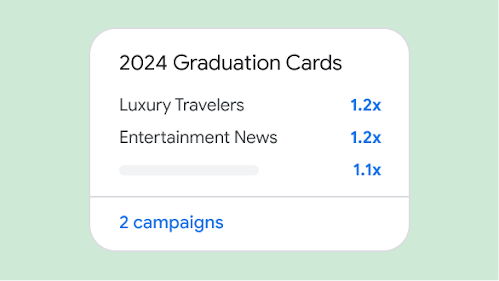
  • Image of insights showing audience types interested in Graduation Cards.

    Insights Page

    Grow your business with insights and trends that are tailored to your business.

    Learn more
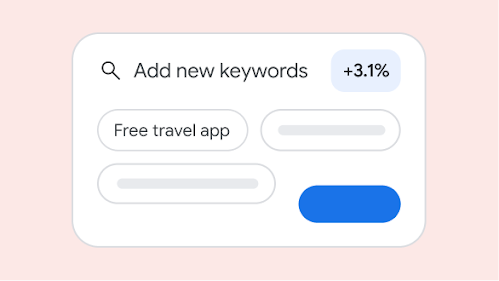
  • Image showing new keyword suggestions.

    Recommendations Page

    Improve your campaign performance and efficiency with suggestions that are tailored to your needs.

    Learn more
  • Image of the Google Ads mobile app in the Play store.

    Google Ads Mobile App

    Stay connected to your campaigns on the go, monitor your campaigns in real-time, and take quick action to improve performance with the Google Ads app.

    Learn more

Frequently asked questions